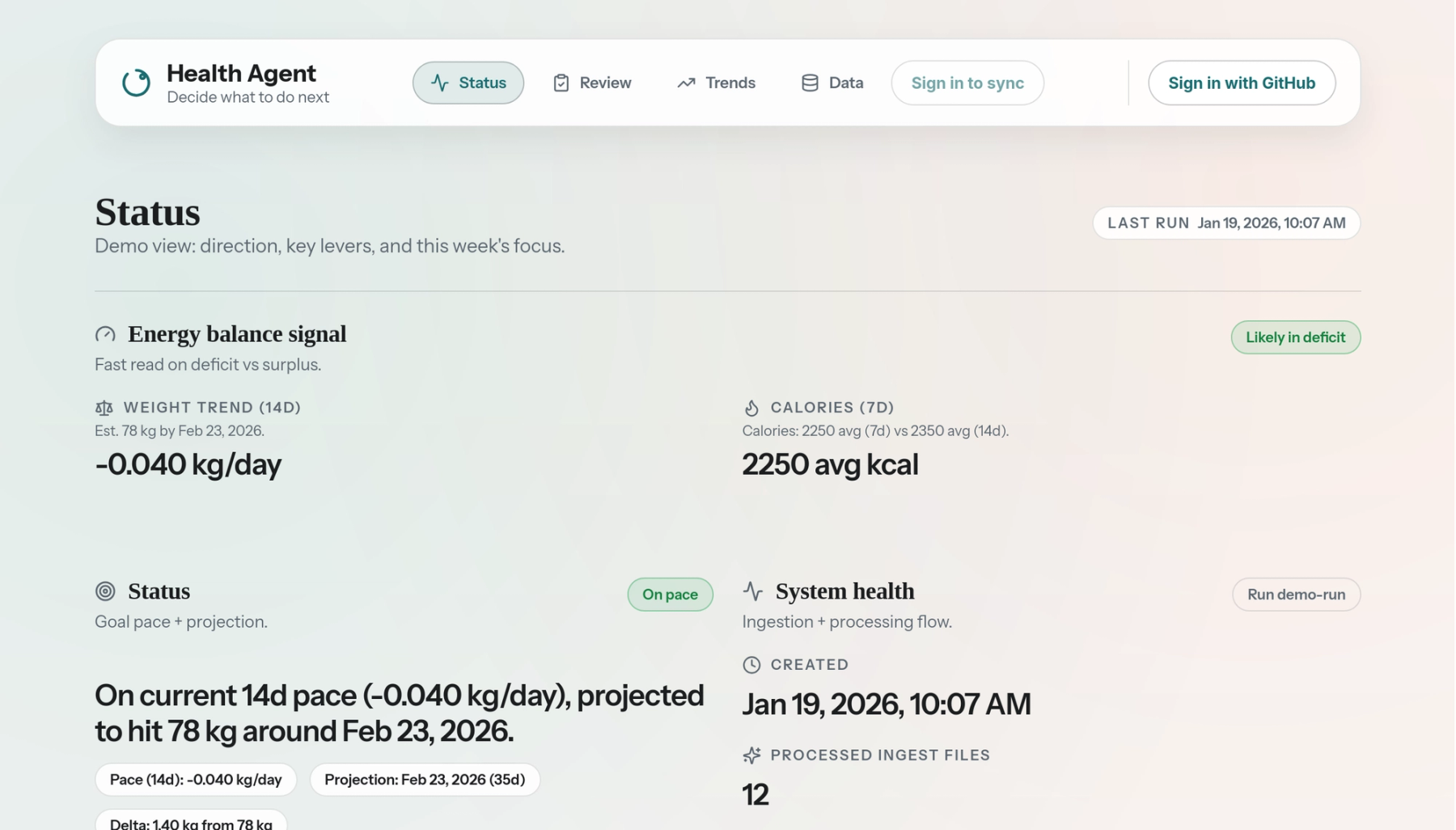
I was tracking nutrition in MacroFactor and workouts, heart rate and activity on my Apple Watch. I could see each set of stats separately, though I wanted to compare them and work out which signals actually mattered to me. That became HealthAgent.
Why I built it
Macrofactor automatically writes nutrition data to Apple Health, and Watch workouts go there too, which made it the natural hub. I set up a daily export to my own service using Health Auto Export, an iOS app that can POST selected data to a REST API.
What it does
HealthAgent keeps the raw Health Auto Export JSON locally in development or in GCS in production, then normalises it into Postgres and rolls it up into daily metrics for the Next.js UI. There’s an optional weekly insights pass behind INSIGHTS_ENABLED. GitHub sign-in uses NextAuth, with an ingest token for each user and data scoped to their account.
What I'm working on now
With everything normalised in the database, the next step is asking an LLM to surface correlations automatically: "Your sleep was down this week and sugar was up," or "Training volume increased while recovery dipped." Finding those patterns without having to go looking for them is the focus of the current iteration. I use Neon for the database since it's cheap and doesn't need to be always on.
Infrastructure
Cloud Build runs Prisma migrations, builds and pushes the Fastify API Docker image, and deploys to Cloud Run. Secrets live in Secret Manager, raw files in a GCS bucket. Cloud Scheduler triggers /api/pipeline/run daily with X-PIPELINE-TOKEN and X-USER-ID. The frontend is on Vercel.
The code is on GitHub. If you try it and find a bug, open an issue.